Mac app · version 8.7.2
Uninstall the app. Take the leftovers with it.
App Cleaner finds a Mac application and the service files that stay behind after a normal delete: support files, startup items, browser extensions, and the rest.
What it does
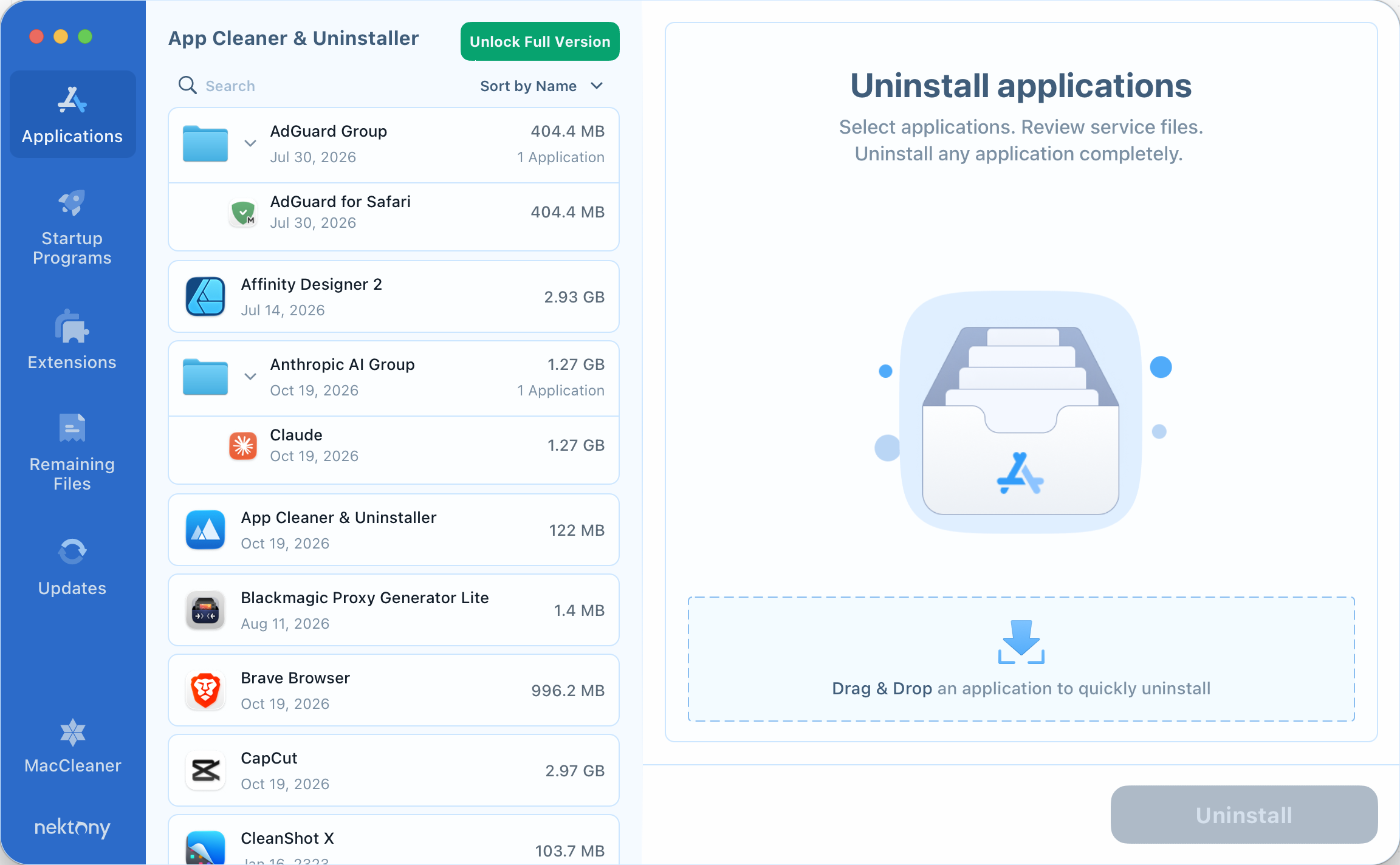
Applications
Select an installed app, review the service files that belong to it, and uninstall the set together.
Startup programs
See login items and launch agents that open with the Mac, then turn them off or remove them.
Extensions
Find extensions for Safari, Chrome, Firefox, and Opera, including ones left behind by an app you already removed.
Remaining files
After an app is dragged to the Trash by hand, App Cleaner can still list the support files, caches, and preferences it left on disk.
Drag and drop
Drop an application onto the window to start an uninstall without searching the list first.
Finder
Right-click an app in the Finder and choose Uninstall with App Cleaner, or Reset with App Cleaner to clear its caches.
Made for the Mac.
Drop an application on the window, or choose Uninstall with App Cleaner from the Finder. Review the files, then move them to the Trash.